AI-generated, human-reviewed.
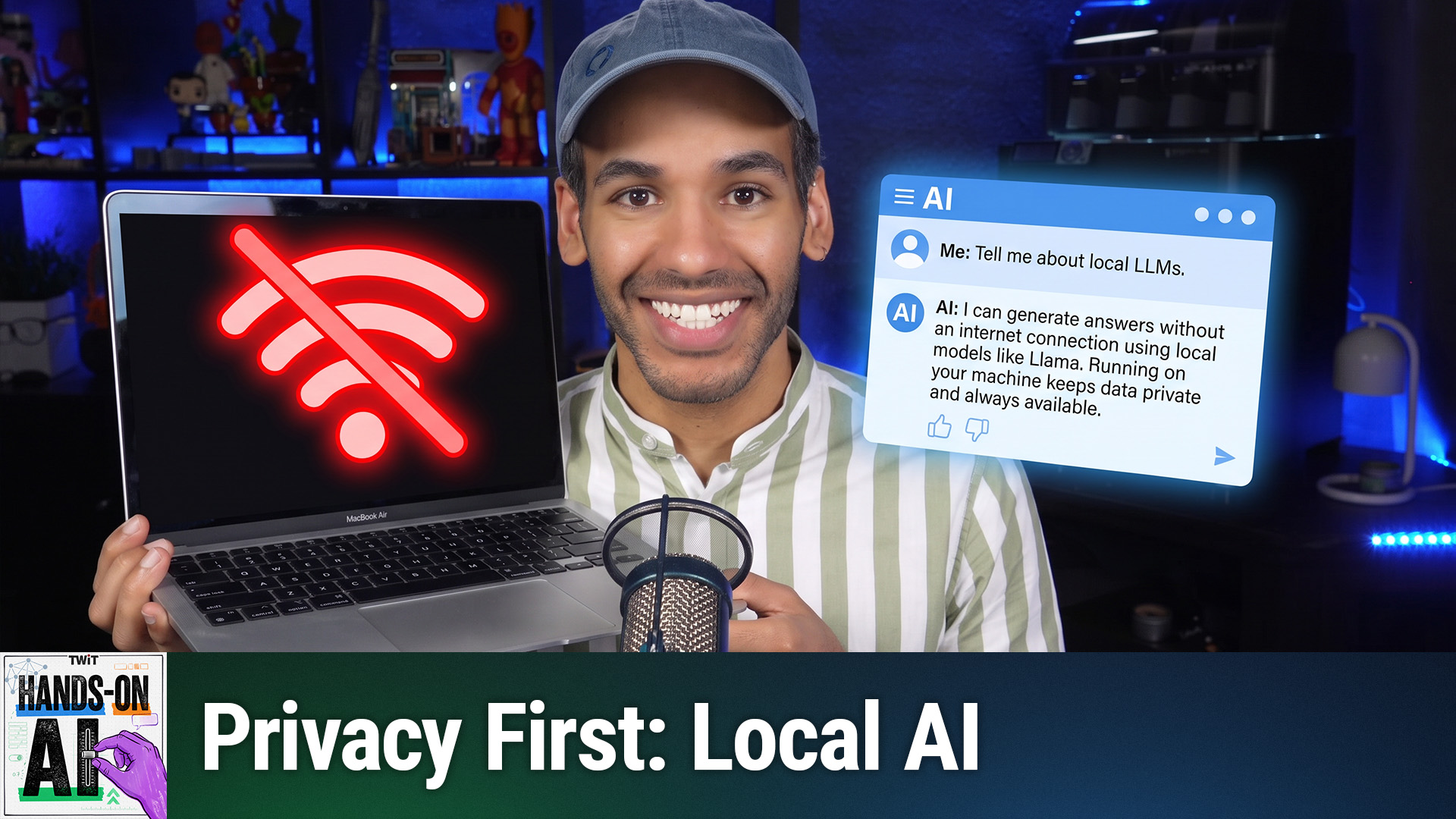
You can run an AI chatbot entirely on your own Mac. Install the free Ollama app, download a model such as Qwen 3.5, and chat with no account, no subscription, and no data leaving your machine. On Hands-On AI, Mikah Sargent walks through the setup and compares the results with a cloud model so you can decide whether a private AI on your own device is right for you.
Why Run AI Models Locally?
Local AI models are chatbots and assistants that run on your computer instead of a company's servers. The episode covered three practical reasons to use one:
- Privacy: Your prompts and data stay on your machine and aren't sent to any company.
- No ongoing fees or accounts: Once a model is installed, there are no subscriptions, credits, or sign-ups.
- Offline access: After the initial download, the model works with Wi-Fi turned off, which helps when traveling or on unreliable internet.
Most modern Macs can now run capable models, which makes AI more accessible and more under your control.
Quick Summary: How Does Local AI Work?
The episode demonstrated Ollama, a free app that downloads and runs open models on your Mac, using Alibaba's Qwen 3.5 as the example.
- Ollama handles both downloading and running the model.
- A single Terminal command fetches the model and starts a chat.
- Models are stored on your device, and conversations never leave your computer.
- Qwen 3.5 is a family of open multimodal models. The 9-billion-parameter version used here is a 6.6GB download and can work with images as well as text.
How to Set Up Ollama and Run Qwen 3.5
- Download Ollama from ollama.com/download and install it like any other Mac app.
- Open Terminal by pressing Command + Space and typing "Terminal."
- Run the model by typing ollama run qwen3.5:9b. If the model isn't on your Mac yet, Ollama downloads it first (about 6.6GB), then opens a chat prompt. To download without chatting, use ollama pull qwen3.5:9b instead.
- Start chatting in Terminal, or open the Ollama app and choose the model there. Type /bye to exit the Terminal chat.
How much memory do you need? Model size matters. As a rule of thumb, the model file should be well under half of your Mac's RAM, because the system and the conversation also need memory. With 16GB of RAM, the 9B Qwen 3.5 fits comfortably. With 8GB, choose a smaller model such as qwen3.5:4b. More RAM lets you run larger models. You can browse every size on the Qwen 3.5 page in Ollama's library.
Key Differences: Local AI vs. Cloud AI
The episode included a live comparison between Qwen running locally through Ollama and Google Gemini, a cloud-based model.
- Privacy: Local models keep data on your device. Cloud models send your prompts to external servers.
- Speed: Gemini responded dramatically faster. Local speed depends on your Mac's chip and memory.
- Capability: Cloud AI was stronger at real-time questions (such as current news) and complex multi-step tasks (such as building a detailed schedule).
- Offline operation: Local models work with no network connection. Cloud models require internet.
Despite their smaller size, local models handled everyday writing and coding questions well. They couldn't access up-to-date information or manage highly complex context as capably as the cloud model.
Pros and Cons of Running AI Locally
Pros
- Full control over your data and privacy
- No recurring costs or sign-up
- Works anywhere, including offline
- Good performance for most writing, coding, and pattern-based tasks
Cons
- Slower responses, especially for complex requests
- Limited world knowledge: the model only knows what it learned before its training cutoff and can't look anything up on its own
- Needs enough RAM and disk space (about 6.6GB for the 9B Qwen 3.5, more for larger models)
- Weaker than cloud models at real-time information and multi-step reasoning
What This Means for You
If you value privacy or need AI that works offline, running a local model like Qwen 3.5 through Ollama is a worthwhile project. It suits drafting emails, summarizing text, writing code snippets, and general experimentation without a cloud dependency.
Cloud AI such as Gemini remains the better fit for tasks that need current information or heavy processing. Local models are improving quickly, though, and can cover most day-to-day writing and analysis.
The Bottom Line
On Hands-On AI, Mikah Sargent showed that anyone with a modern Mac and enough RAM can run a practical AI chatbot at home, with no technical expertise required. For privacy, independence, and offline access, Ollama and Qwen 3.5 are an easy and capable starting point. Cloud models still lead on speed and real-time knowledge, but local AI is more approachable than ever.
Try it yourself and see how local AI fits your workflow.
Subscribe for more practical AI tips and comparisons: https://twit.tv/shows/hands-on-ai/episodes/1