AI-generated, human-reviewed.
If you're wondering whether Apple's modern Passwords app can replace your current password manager, here's what you need to know. Host Mikah Sargent walks through the app's sharing features, advantages over competitors, and important shortcomings so you can make the right call for your privacy and convenience.
Passwords App Overview
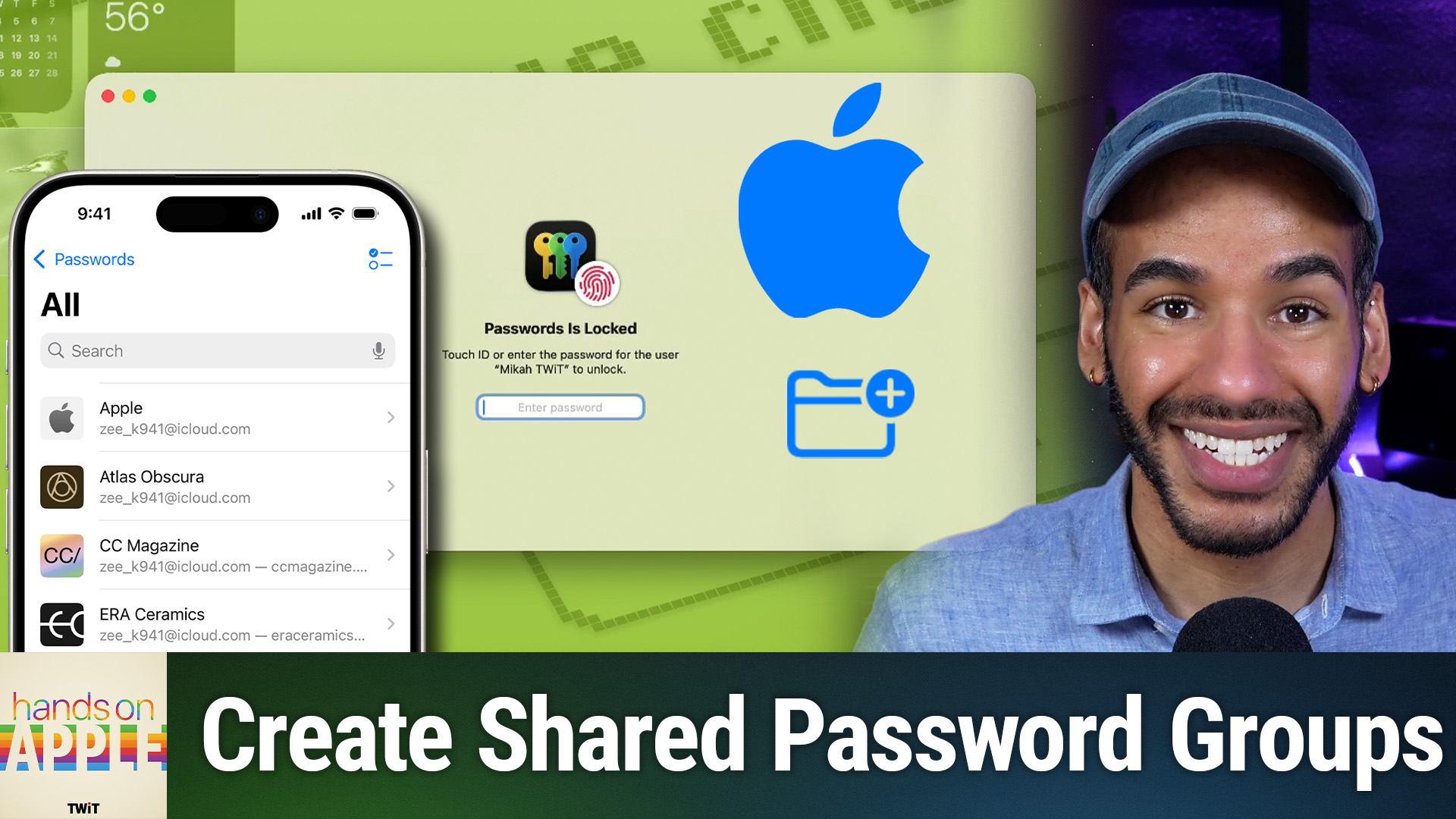
Apple's Passwords app is a free, built-in password manager on iOS, macOS, and iPadOS devices. It lets you store logins, passkeys, verification codes, and Wi-Fi passwords, all protected with end-to-end encryption powered by iCloud Keychain. The latest update introduces shared password groups, making it easier for households or teams to manage joint accounts securely.
On Hands-On Apple, Mikah Sargent demonstrates how shared groups work and compares them to popular alternatives like 1Password and Bitwarden (TWiT sponsor).
How to Share Passwords Securely in Apple's Passwords App
The marquee feature in the latest Passwords app update is shared password groups. Here's how it works:
- You create a shared group in the Passwords app (such as "Household").
- Add people by selecting contacts so everyone in the group can access, use, and modify the shared logins.
- Any updates you make (like changing the Netflix password) sync instantly to all group members.
- You can add more passwords or people after setup, and revoke someone's access instantly.
Important: There's currently no admin or "read-only" access. Anyone added to a group can edit or delete all shared logins, so only invite people you trust.
Shared passwords use the same end-to-end encryption as the rest of your Keychain. If you remove someone, they immediately lose access.
Pros & Cons Compared to Third-Party Managers
While the Passwords app is well-integrated and free, Mikah Sargent notes several trade-offs:
Advantages:
- No extra cost: Included for free, no subscriptions or additional apps needed.
- Easy sharing for Apple users: Effortlessly share with others on Apple devices.
- Strong security: End-to-end encryption protects your data.
Limitations:
- No custom organization: Cannot create your own folders, categories, or tags—just Apple's default groups (Logins, Passkeys, Wi-Fi, Deleted).
- No admin controls: All shared group members have equal permissions. No granular access like in 1Password or Bitwarden.
- Limited import/export: Migrating from other managers works, but custom fields, notes, and verification codes may not transfer cleanly.
- No secure document or note storage: Cannot attach files or standalone notes (license keys, PDFs, etc.).
- Apple ecosystem only: Best for those entirely on Apple devices; Android and Linux support is poor, and Windows support is limited.
Who Should Use the Passwords App?
On Hands-On Apple, Mikah Sargent recommends the app for:
- Apple-only households or individuals (iPhone, Mac, iPad, Apple TV)
- Users who mainly store website logins, passkeys, 2FA codes, and Wi-Fi passwords
- Those who want a simple, free tool without needing advanced organization or sharing controls
You probably still want a third-party manager if:
- You share logins with Android or Linux users
- Your workflows need fine-grained sharing (for teams/companies)
- You store scanned documents, license keys, or other sensitive files with passwords
- You need custom folders/tags or do a lot of importing/exporting
Some, like Mikah Sargent, use a hybrid approach: a robust third-party manager (like 1Password) for everything, and the Passwords app just for sharing with family.
(Pass)Words to Remember
- Shared groups make it easier to share logins with others in your Apple ecosystem, but there is no fine-grained access control.
- No subscriptions or separate apps are needed. If you mostly use Apple devices and don't need advanced features, this may be all you need.
- For complex needs, international travel, or multi-platform sharing, consider third-party options.
Apple's Passwords app is fully capable for many Apple users, especially households with basic sharing needs and a desire for simplicity. If you want more control, cross-platform access, or document storage, look at tools like 1Password or Bitwarden instead. Try the Passwords app for your situation and see if it covers your daily needs. If your use case is complex, pairing it with or switching to a third-party tool might be best.
Subscribe for more tech tips and Hands-On Apple advice: https://twit.tv/shows/hands-on-apple/episodes/224