AI-generated, human-reviewed.
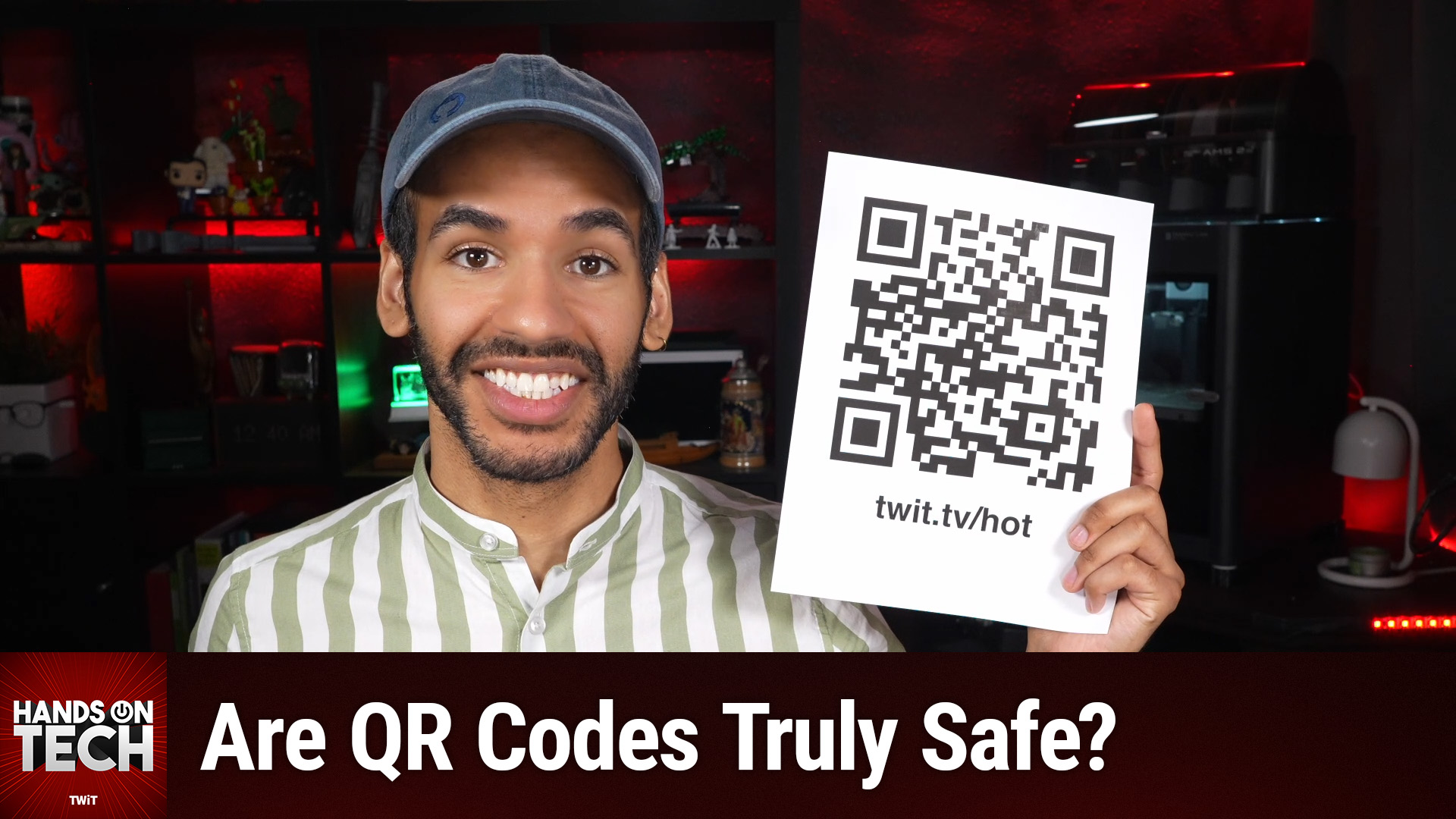
Many people wonder if simply pointing their phone at a QR code can get their device hacked. On Hands-On Tech, Mikah Sargent found that QR codes themselves don't hack your phone—but where they take you could still put your security or privacy at risk. Here's what you should actually watch for and a set of practical tips to use QR codes safely.
Quick Summary: QR Codes and the Real Risks
QR codes are just modern barcodes that usually encode text or a web address. Alone, they don't trigger programs or malware on your device when scanned. The danger lies in what happens after you follow a suspicious link or enter sensitive details on a dodgy website.
Mikah Sargent pointed out that staying alert to where a QR code came from and what it asks you for can help you avoid common scams, especially those targeting payment apps or stealing personal info.
How QR Codes Work—and Their Limits
- QR codes were created for tracking products, and today, most codes you encounter simply hold a short bit of text or a website link.
- Scanning a code with your device's camera translates that code into readable text, often showing a preview before taking any action.
- The code doesn't execute any programs or install anything by itself—action only happens if you tap through to the website or interact with requests on that site.
Main Sources of QR Code Danger
While scanning alone isn't risky, threats typically come from three places:
1. Malicious Websites
Criminals use QR codes to direct you to phishing sites—fake payment pages, sign-in forms, or prompts to download unsafe apps.
2. Fake QR Code Stickers ("Quishing")
Scammers sometimes place their own sticker over real QR codes on parking meters, restaurant tables, or public signs. This redirects you to their own fraudulent websites.
3. Third-Party QR Scanner Apps
Some apps not provided by your phone manufacturer have been known to deliver unwanted ads or malware. In 2020, a barcode scanner app with 10 million downloads turned into adware after an update.
Spotting and Avoiding QR Code Traps
Mikah Sargent recommends the following steps to use QR codes with confidence:
Before You Scan
- Inspect the code for signs of tampering—a sticker overlay or something that looks out of place on a meter or sign.
- Be wary of codes sent via email, text, or unsolicited packages with instructions to scan—these could be phishing attempts.
After Scanning
- Always read the web address preview before tapping. Look for typos, swapped letters, or odd domain names.
- If the code wants payment, your password, or to install something, take the "long route": type the web address directly into your browser or use an official app.
Best Practices
- Use your phone's built-in camera app, not a third-party QR app.
- Keep your phone's operating system updated to minimize the risk from security flaws.
- Don't let urgent warnings or prompts push you to act too quickly—"manufactured urgency" is a common scam tactic.
What This Means for You
- Scanning is safe, but clicking recklessly is not. Treat QR codes like any link from an unknown source.
- If you enter sensitive info on a site after scanning, and realize it was a scam, change your password immediately, contact your bank, and report the incident to local authorities or the FTC.
- Help others by reporting suspicious QR codes—especially fake stickers on public machines or signs.
The Bottom Line
A QR code is only as safe as the website it leads to. The code itself won't harm your phone, but criminals can use them creatively to trick users. Use common sense: inspect for suspicious signs, read web addresses carefully, and avoid entering personal data on unfamiliar sites. Scanning restaurant menus? Fine. Paying for parking via a mysterious sticker? Go directly to the official app or meter.
For more practical tech insights, subscribe to Hands-On Tech: https://twit.tv/shows/hands-on-tech/episodes/287